
Description
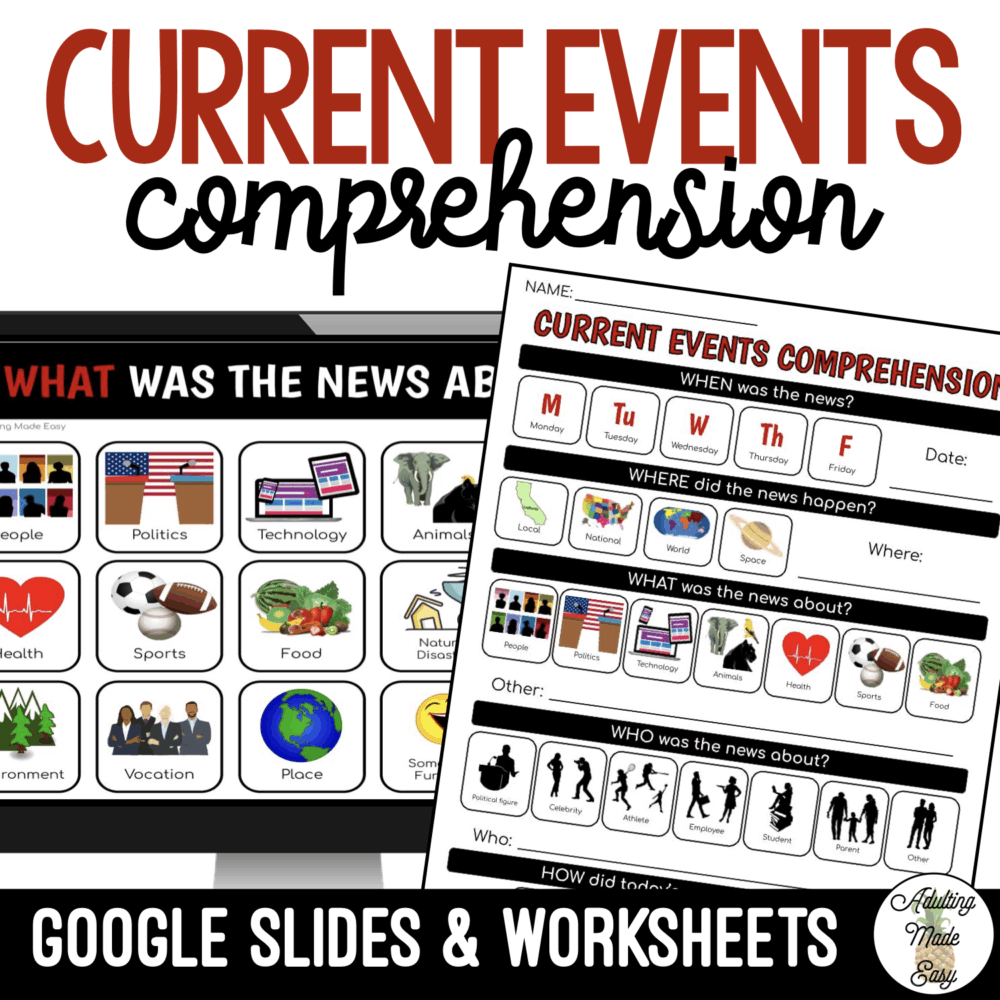
Does your classroom watch CNN 10™ or a similar student news channel, or read news articles? This visual worksheet is great for your special education students that need visuals to answer WH questions.
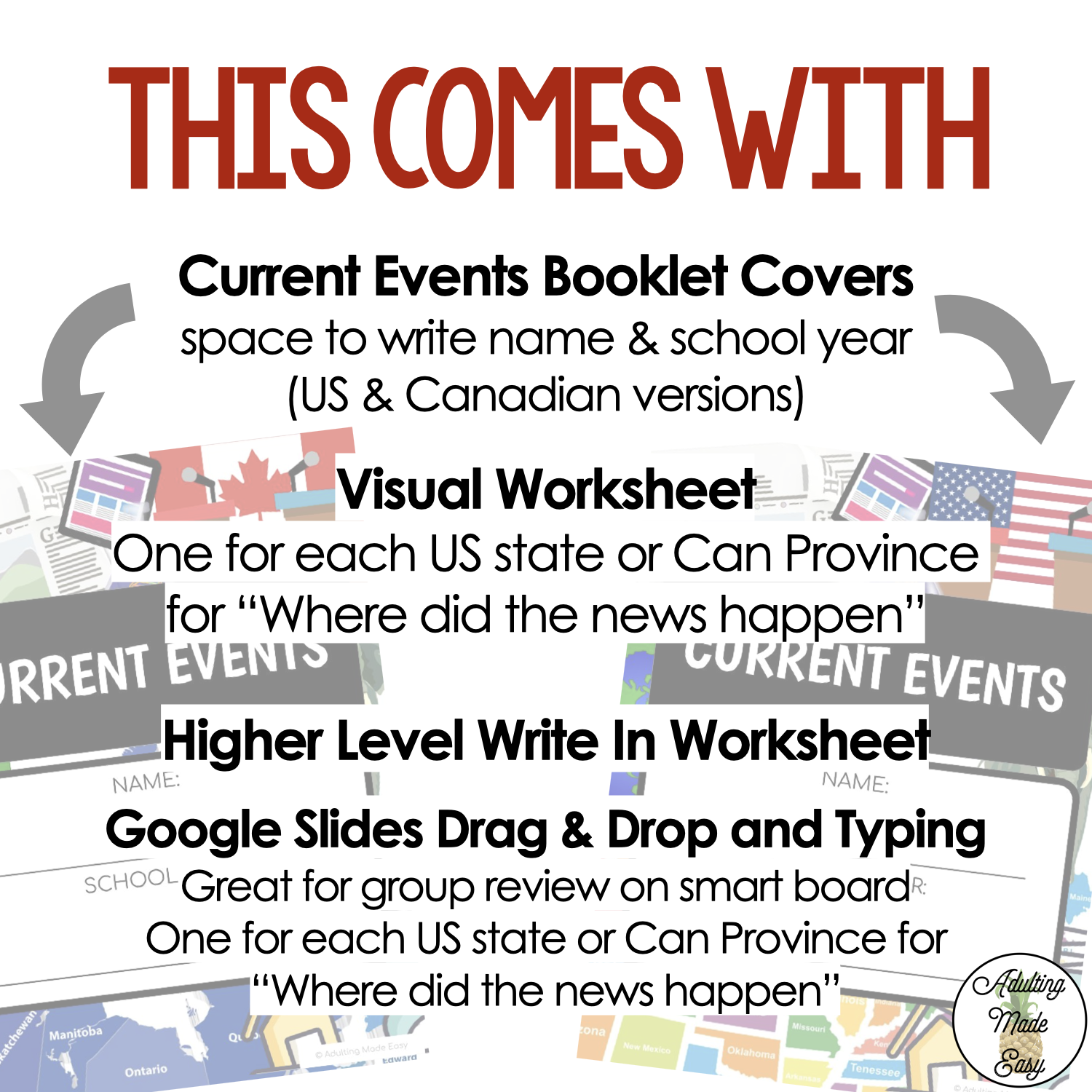
This comes with:
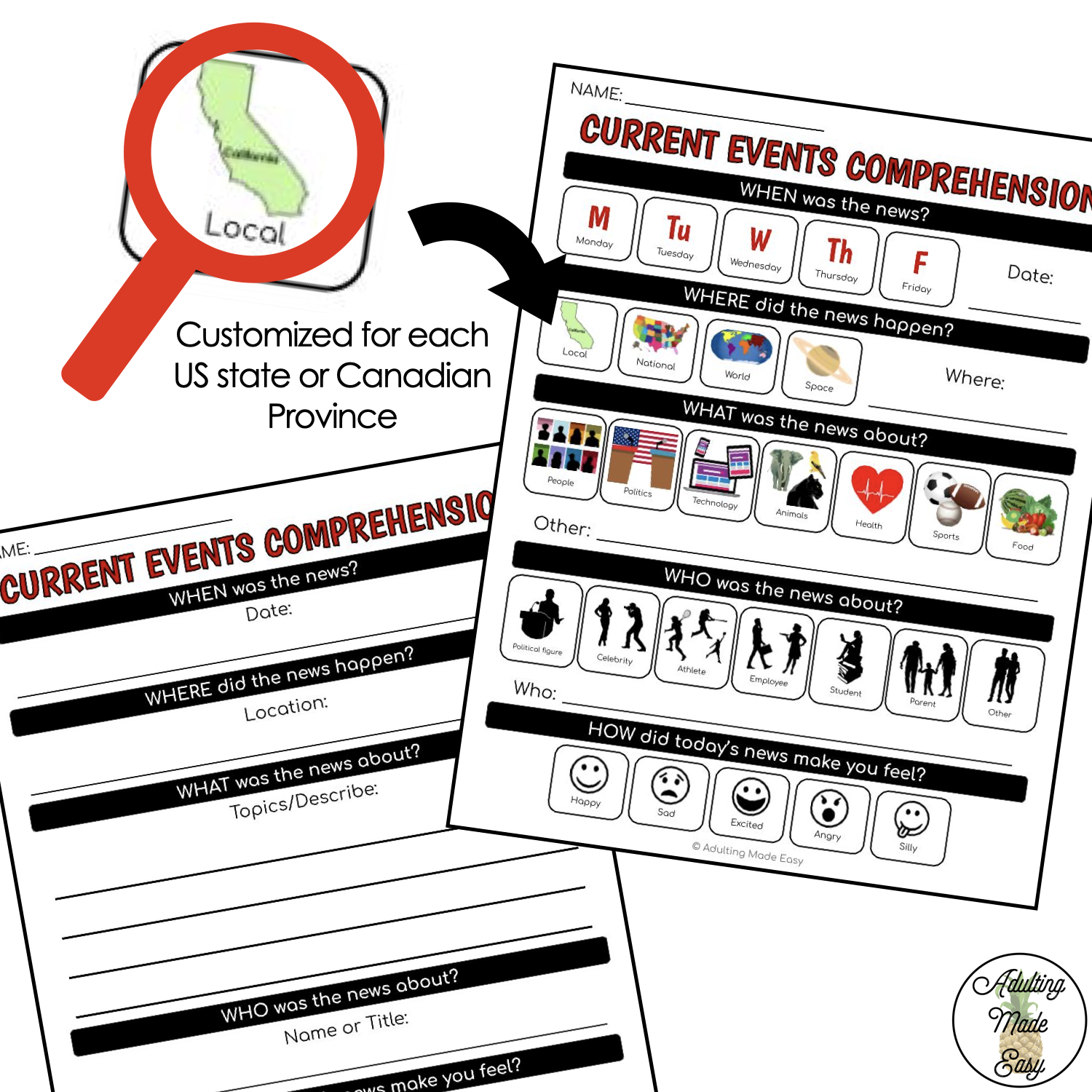
- Visual/Multiple Choice Current Events Worksheet
- Customized worksheet for each state and Canadian provinces
- WHEN was the news?
- WHERE did the news happen?
- WHAT was the news about?
- WHO was the news about?
- HOW did today’s news make you feel?
- Maps of the world, US States, Continents
- Non-visual/ Higher Level Worksheet
- Current Events Cover – great for printing a packet of these worksheets to do daily.
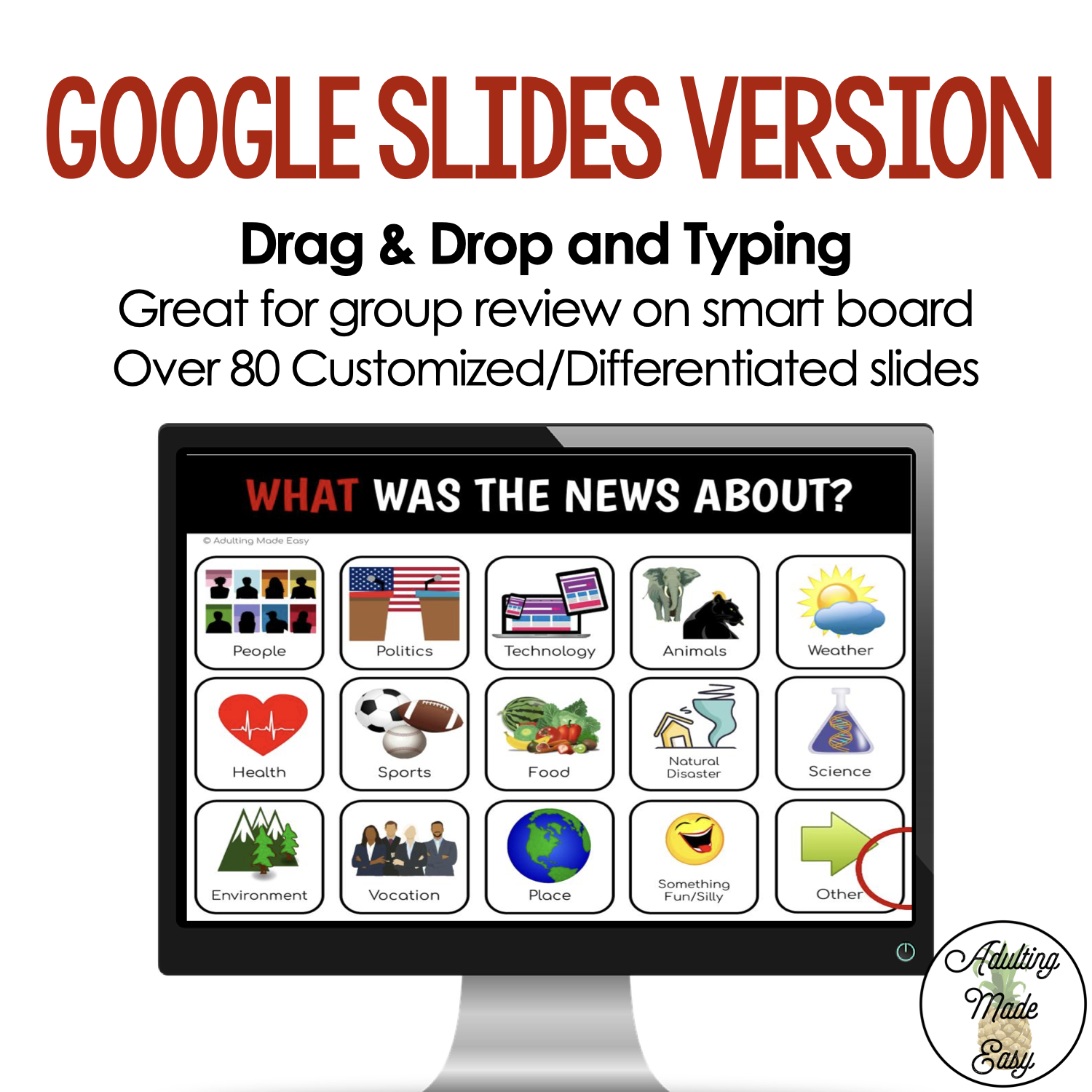
- Google Slides™ drag & drop and typing slides (you will be given a link to make a copy to your Google Drive™). From there you can edit, add, delete slides.
-
Can easily be converted to PowerPoint file
-
_________________________________________________________
★ SATISFACTION:
Before purchasing this product, please read the product description and check out the preview to determine if the resource is appropriate for your students. If you have questions, do not hesitate to contact me:
★ TERMS OF USE:
✔️ Copyrights reserved to F. Gonzalez (Adulting Made Easy aka Spedadulting).
✔️ This purchase includes a license for one teacher only for personal use in their classroom.
✖️ Licenses are non-transferable, meaning they can not be passed from one teacher to another.
✖️ No part of this resource is to be shared with colleagues or used by an entire grade level, school, or district without purchasing the proper number of licenses.
✔️ You will receive a discount when purchasing multiple licenses.
✖️ This resource may not be uploaded to the internet in any form, including classroom/personal websites or network drives, unless the site is password protected and can only be accessed by students.
★ LET’S CONNECT:
Follow my store and social media pages to be the first to know about new resources, updates, sales and freebies!
| BLOG | INSTAGRAM | FACEBOOK | TWITTER | PINTEREST |
 Copyrights reserved to F. Gonzalez (Adulting Made Easy aka Spedadulting).
 Licenses are non-transferable, meaning they can not be passed from one teacher to another.