Description
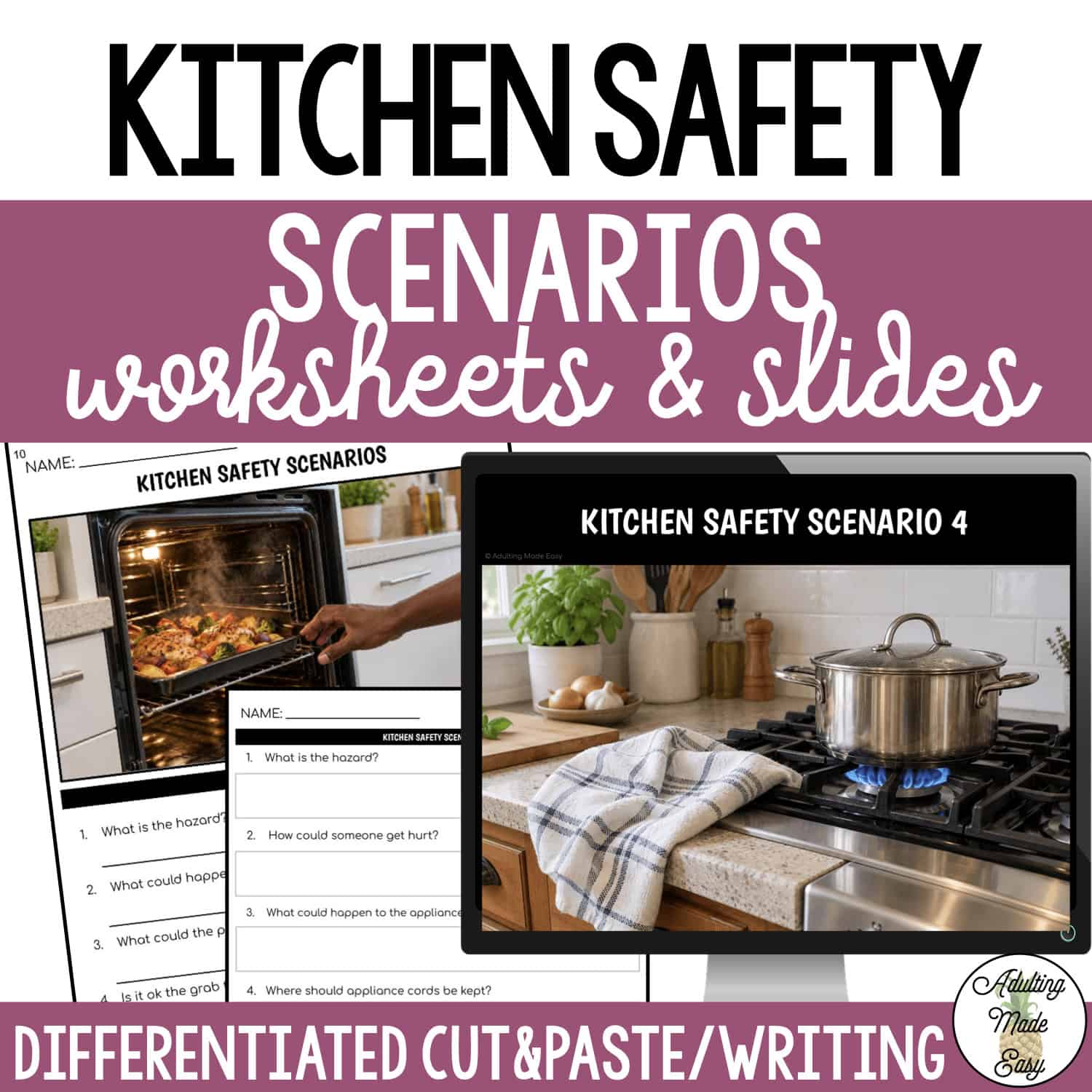
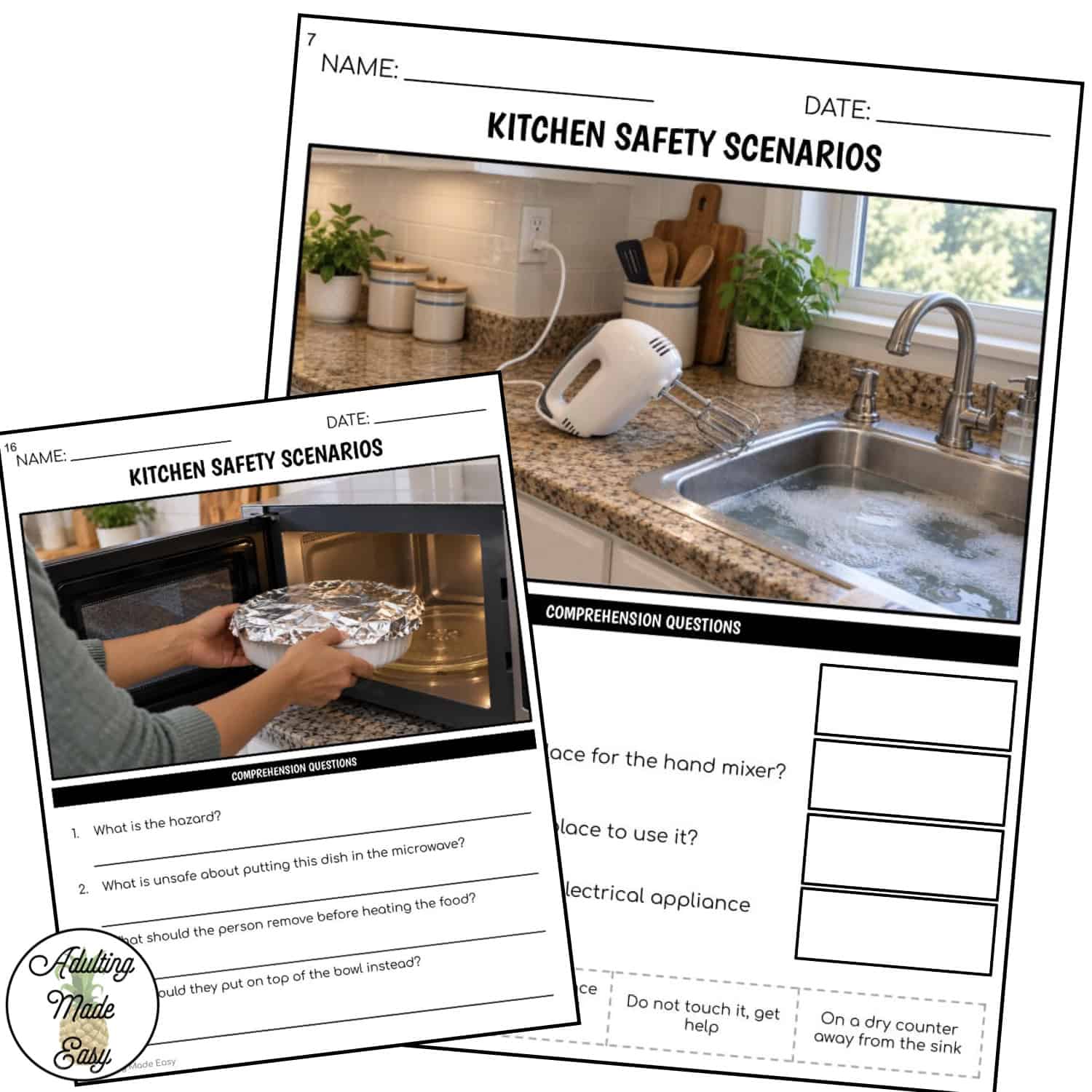
Build kitchen safety awareness with realistic photo scenarios and comprehension questions! Students practice identifying hazards, explaining what could happen, and choosing safer actions in everyday kitchen situations.
This resource features kitchen hazard photos with four comprehension questions per scenario to support observation, problem-solving, and discussion.
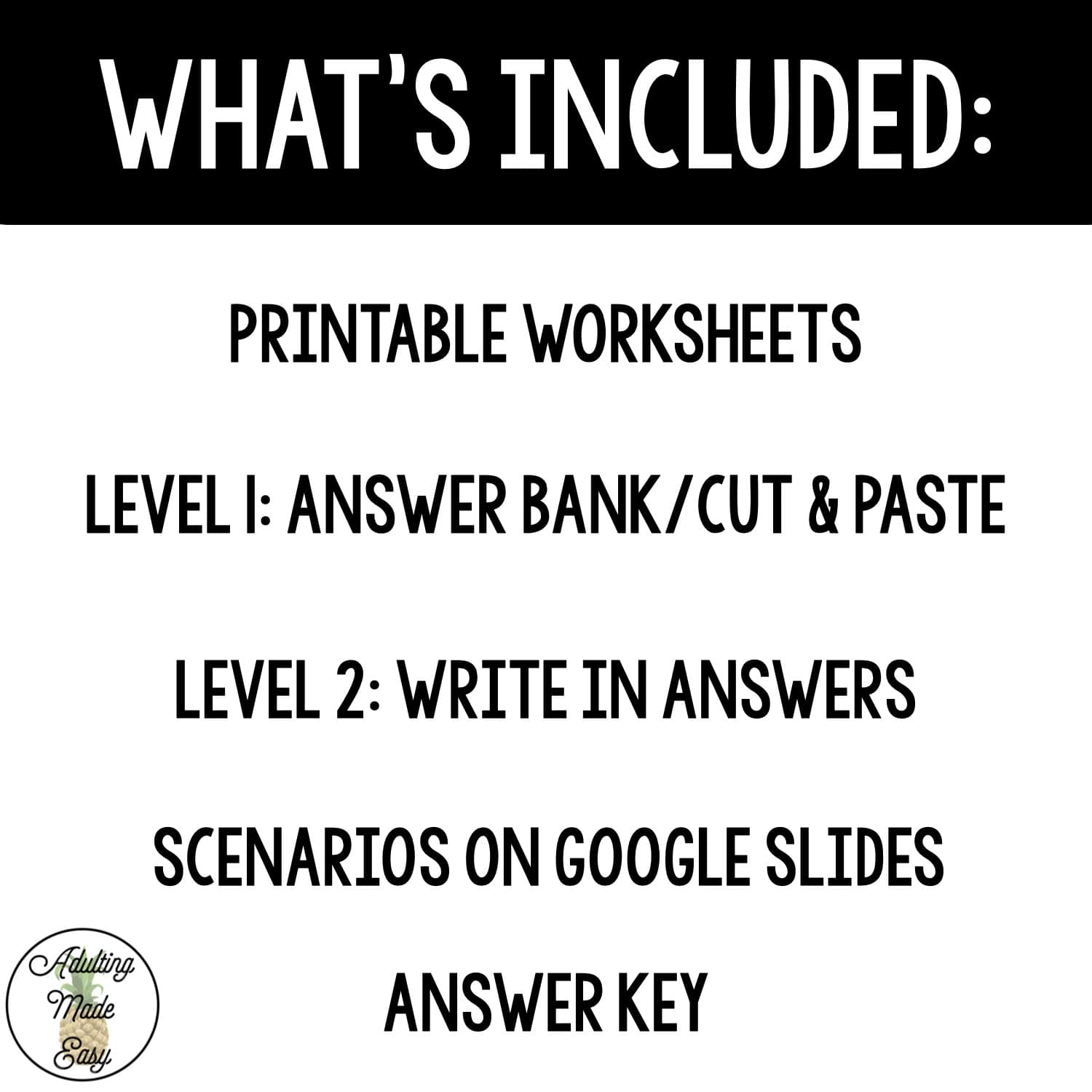
This comes with:
- 16 scenarios
- Google Slides™ presentation (You will download a PDF that has a link you will click to make a copy of the Google Slides to your Google Drive™). From there you can move around or delete pages depending on your students’ needs. (If you need this activity in PowerPoint, Google Slides allows you to easily convert to a PPT file!)
- Level 1 Worksheets – multiple choice or cut & paste
- Level 2 Worksheets – write in your answer
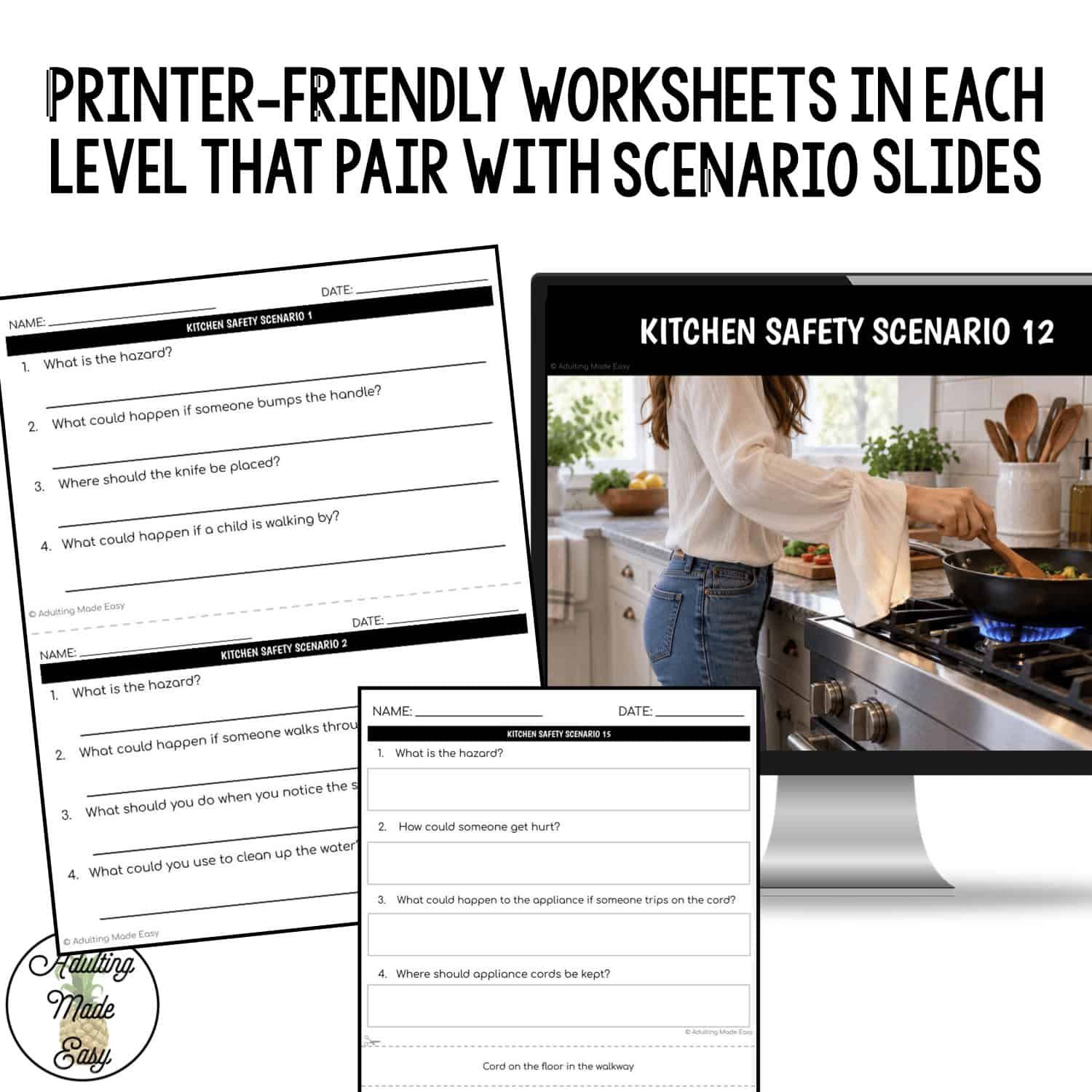
- 1 set of worksheets with scenario visual attached
- 1 set of printer-friendly worksheets to be used with the slides
Scenarios address:
- Spills, broken glass, and blocked walkways
- Knives near counter edges
- Pot handles sticking out
- Towels and loose clothing near hot burners
- Damaged cords and crowded outlets
- Electrical appliances near water
- Metal utensils in a toaster
- Handling hot trays without oven mitts
- Cleaning products near food
- Unsafe reaching and climbing
- Foil-covered dishes going into the microwave
This lesson is ideal for:
- High school special education classrooms
- Transition programs
- Life skills instruction
- Social skills lessons
- Functional health and safety instruction
- Small-group instruction
- Morning meetings
- IEP goal practice
 Copyrights reserved to F. Gonzalez (Adulting Made Easy aka Spedadulting).
 Licenses are non-transferable, meaning they can not be passed from one teacher to another.