Description
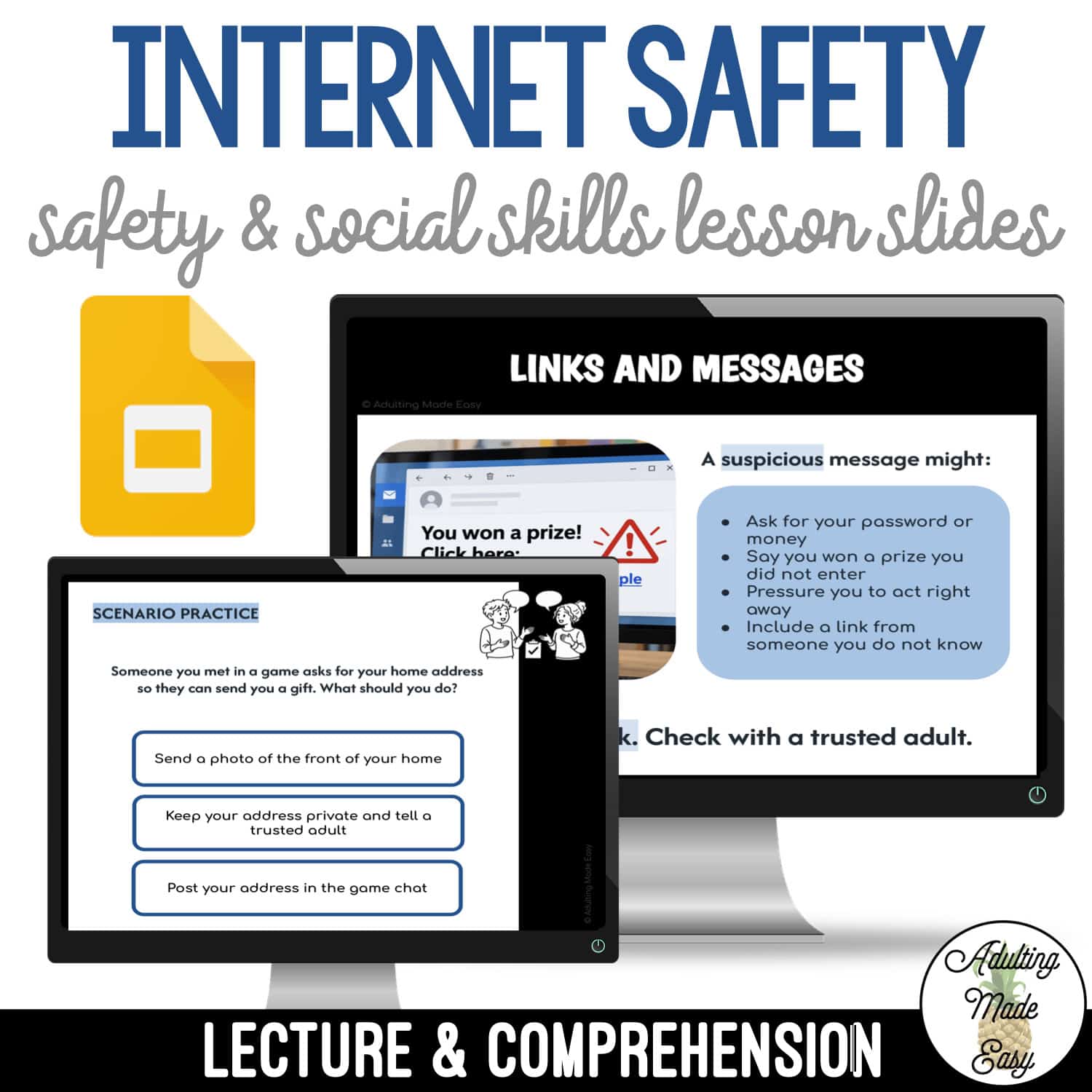
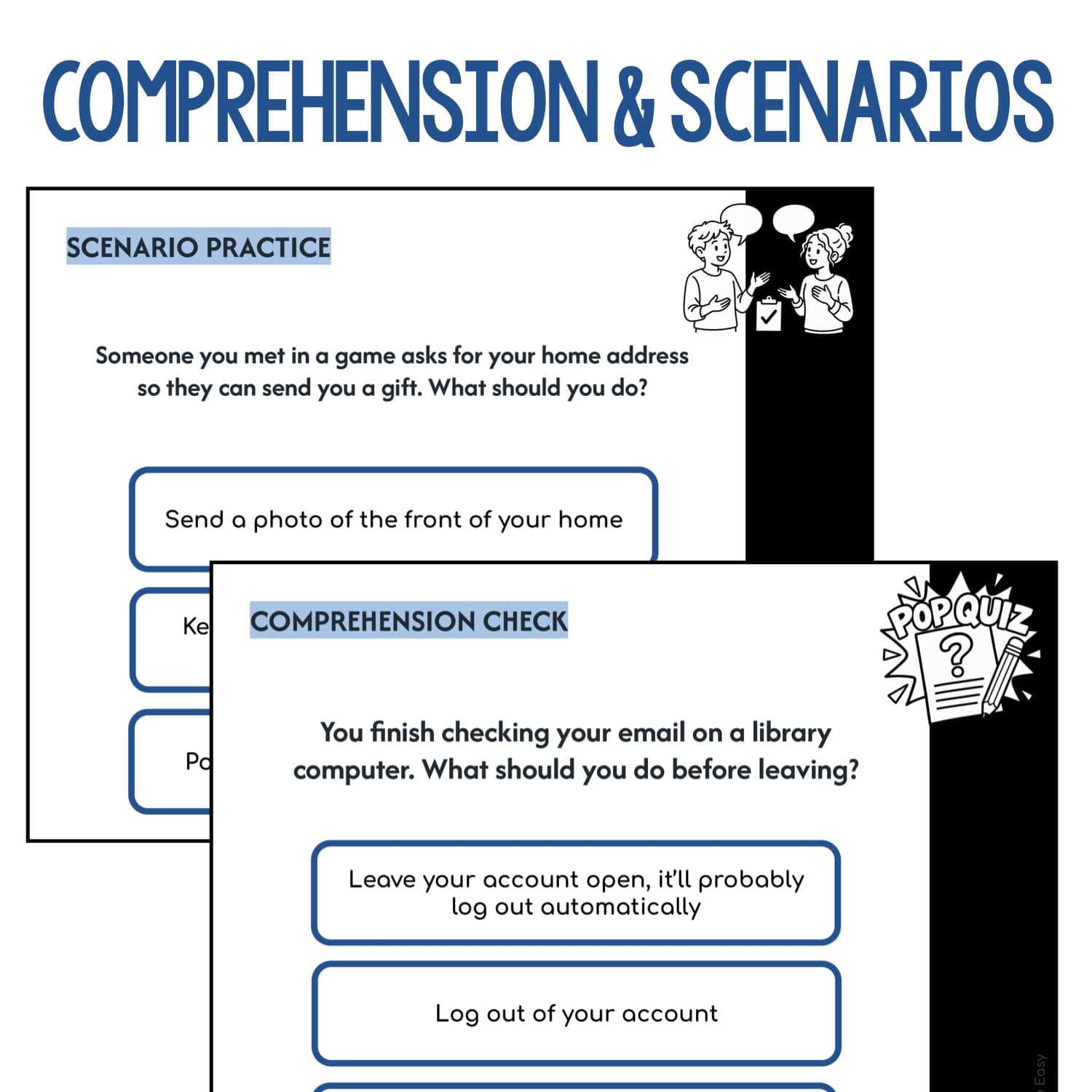
Help students practice making safer choices online with this age-respectful internet safety lesson. Clear explanations, comprehension checks, and realistic scenarios give students opportunities to talk through what they might do before they click, post, or reply.
The lesson uses simple language, clear examples, multiple-choice questions, and realistic scenarios to support classroom discussions and comprehension.
This comes with:
- Google Slides™ presentation (You will download a PDF that has a link you will click to make a copy of the Google Slides to your Google Drive™). From there you can move around or delete pages depending on your students’ needs. (If you need this activity in PowerPoint, Google Slides allows you to easily convert to a PPT file!)
- 18 slides
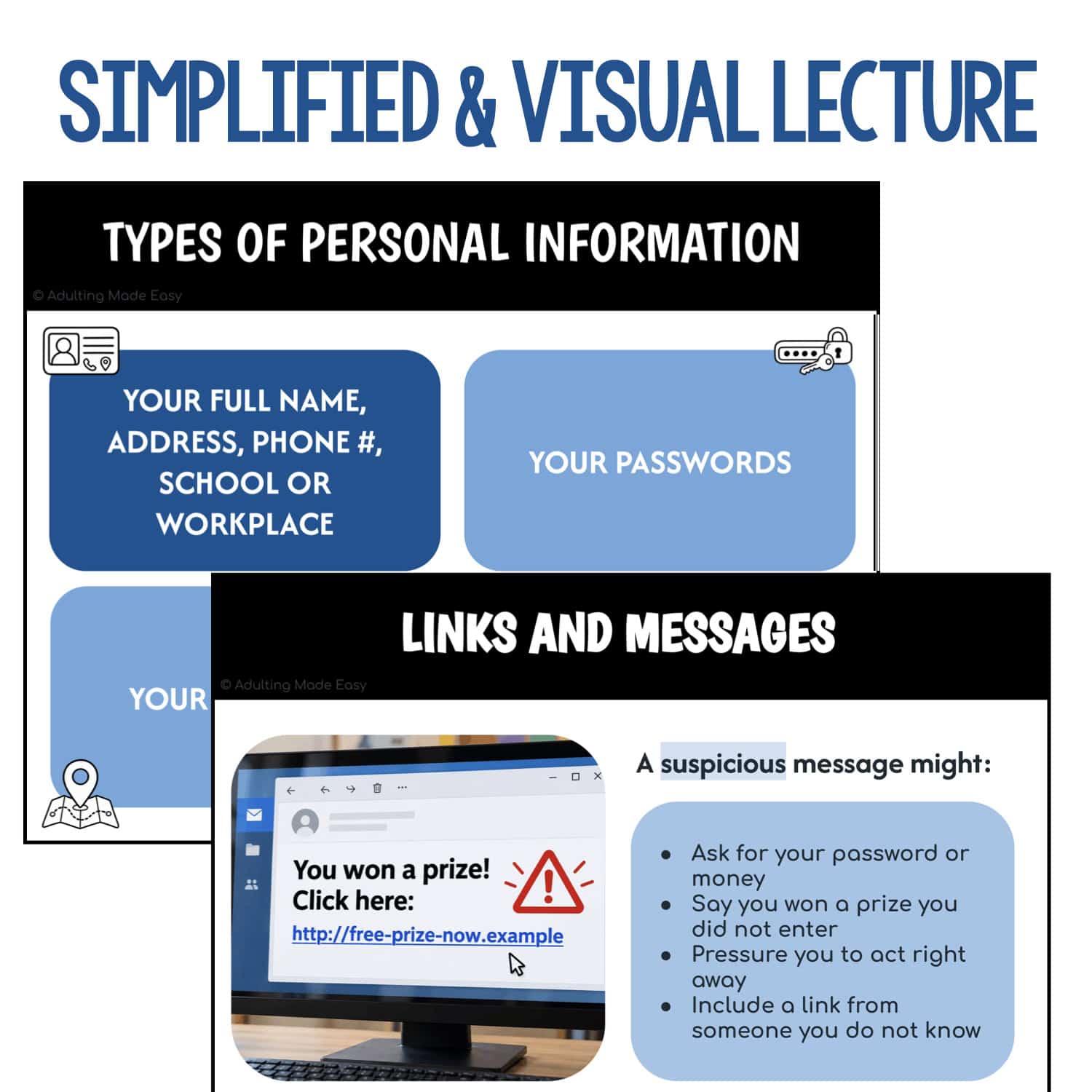
- Direct instruction in student-friendly language
- Real-world examples
- Multiple-choice comprehension questions
- Scenario-based practice
- A final review of important reminders
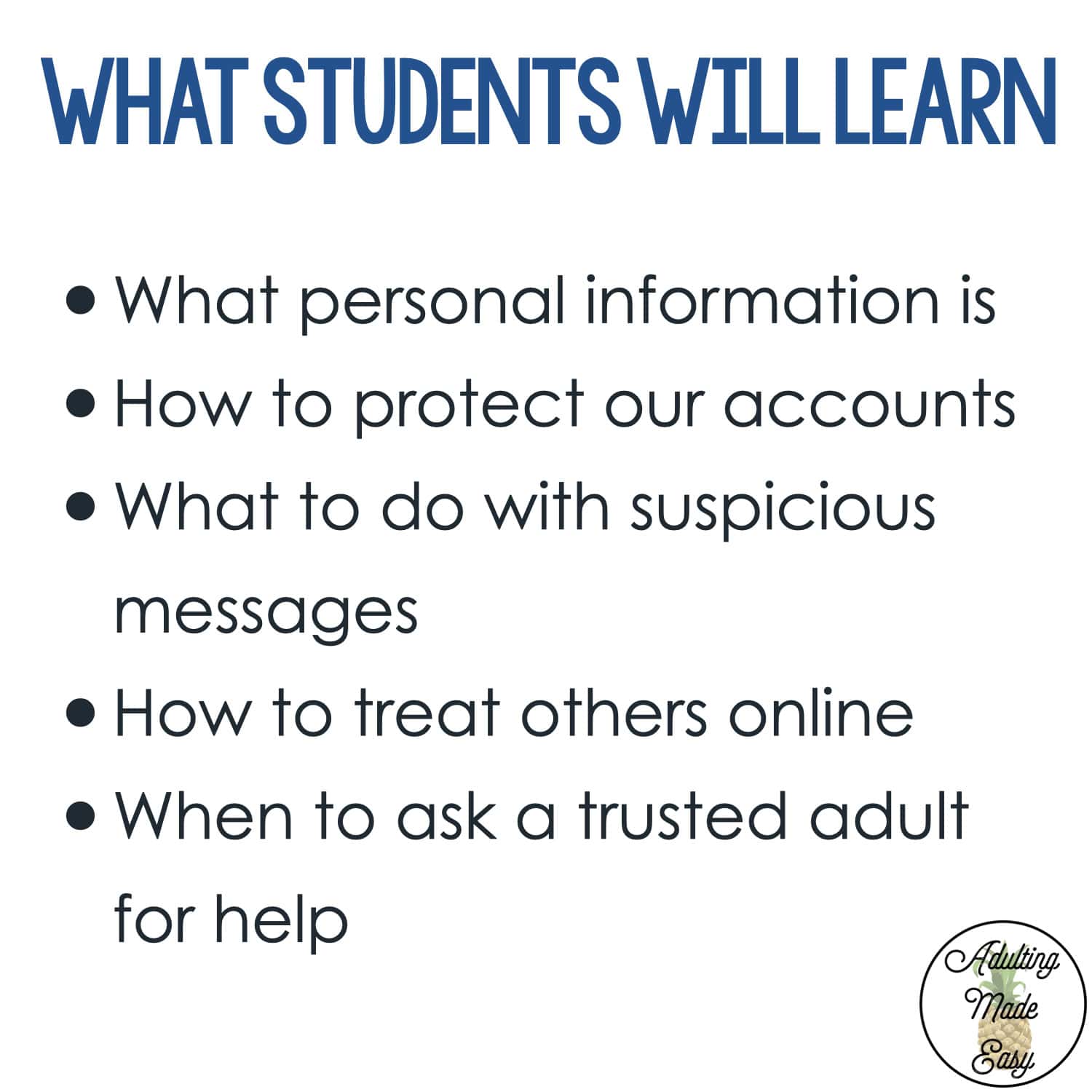
Students will learn:
- Identifying personal information and deciding what to keep private
- Protecting passwords and logging out of shared devices
- Recognizing suspicious links and messages
- Understanding that people online may not be who they say they are
- Asking permission before sharing someone else’s photo
- Responding to unkind or uncomfortable online interactions
- Knowing when and how to ask a trusted adult for help
This lesson is ideal for:
- High school special education classrooms
- Transition programs
- Life skills instruction
- Social skills lessons
- Functional health and safety instruction
- Small-group instruction
- Morning meetings
- IEP goal practice
 Copyrights reserved to F. Gonzalez (Adulting Made Easy aka Spedadulting).
 Licenses are non-transferable, meaning they can not be passed from one teacher to another.